
All content on this website is provided solely for educational and demonstration purposes. Any software downloaded from this site is not intended for commercial use or broad distribution. You are solely responsible for ensuring compliance with all applicable license agreements and laws.
If you appreciate a particular program, we strongly encourage you to purchase the official version and support its developers. They invest significant time and effort into creating these tools and, unlike many others, cannot work for free — they need to earn a living. Consider leaving a comment, sharing, or otherwise supporting those who work hard for you.
News: Mega-Fiers!
The latest version, Mega-Fiers, has been released with major improvements! This version is highly optimized and works with Unity’s Burst and Jobs system for better performance. The previous version is still available for those using Unity versions prior to 2019.
Mega-Fiers is fully compatible with Unity 2019, 2020, 2021, 2022, and 2023.
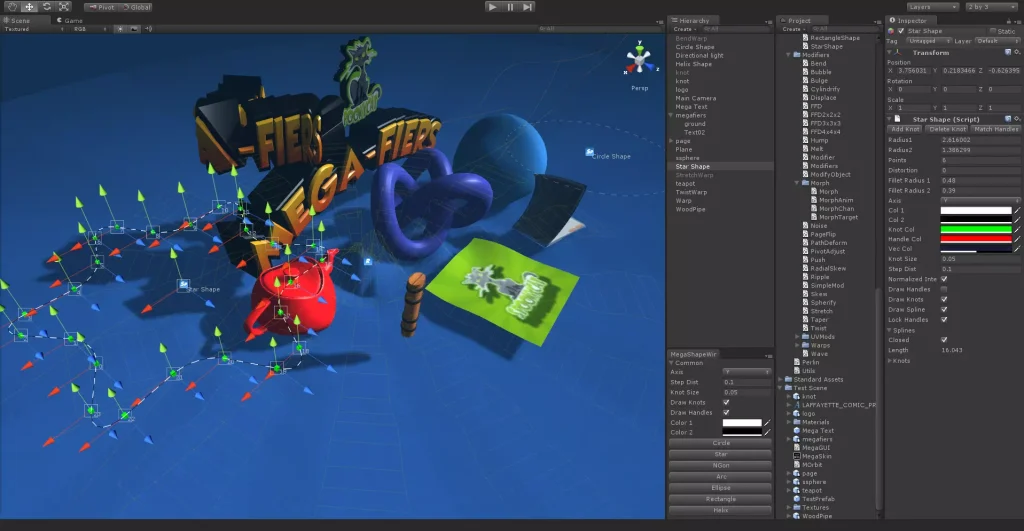
What is Mega-Fiers?
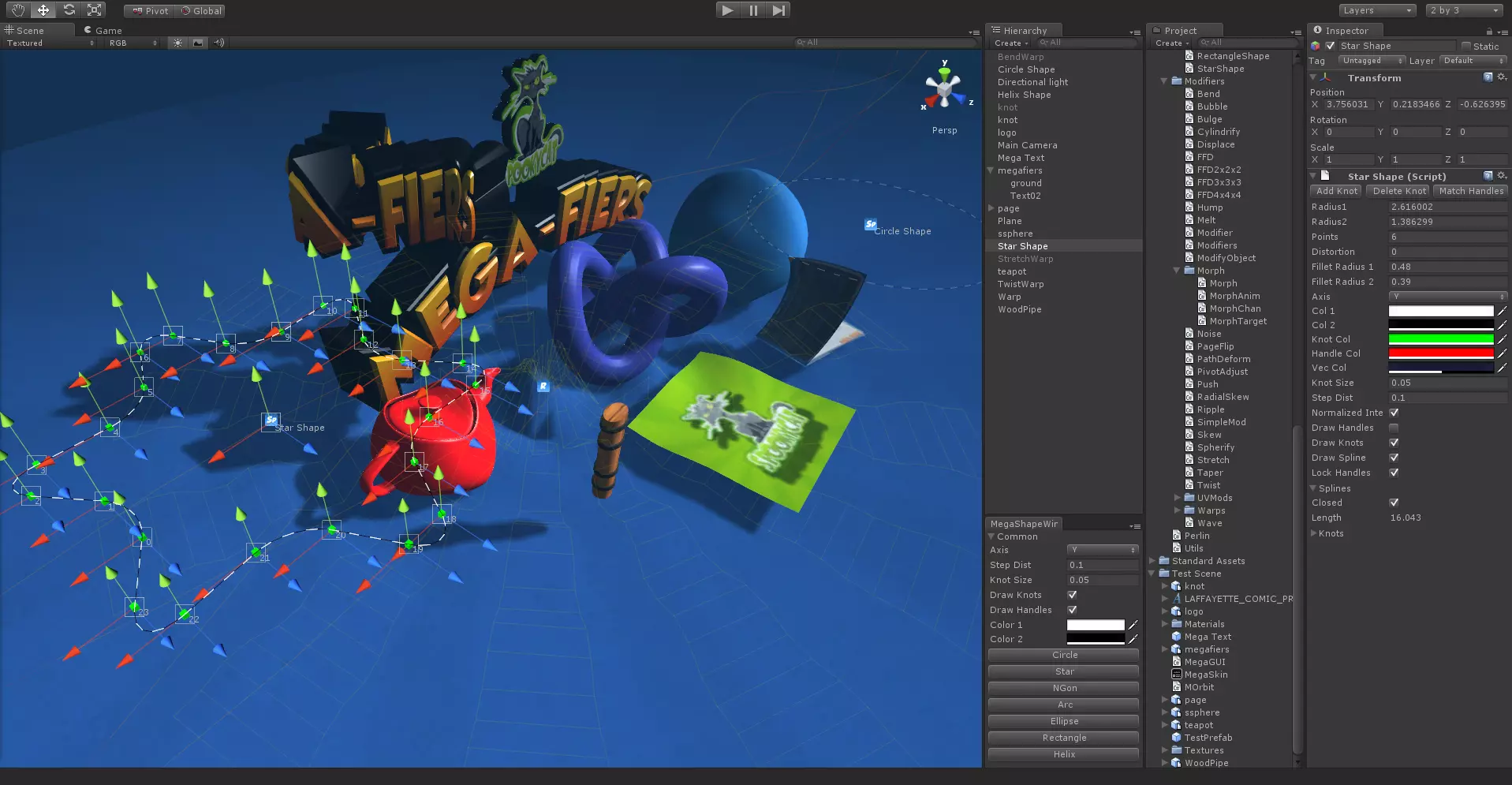
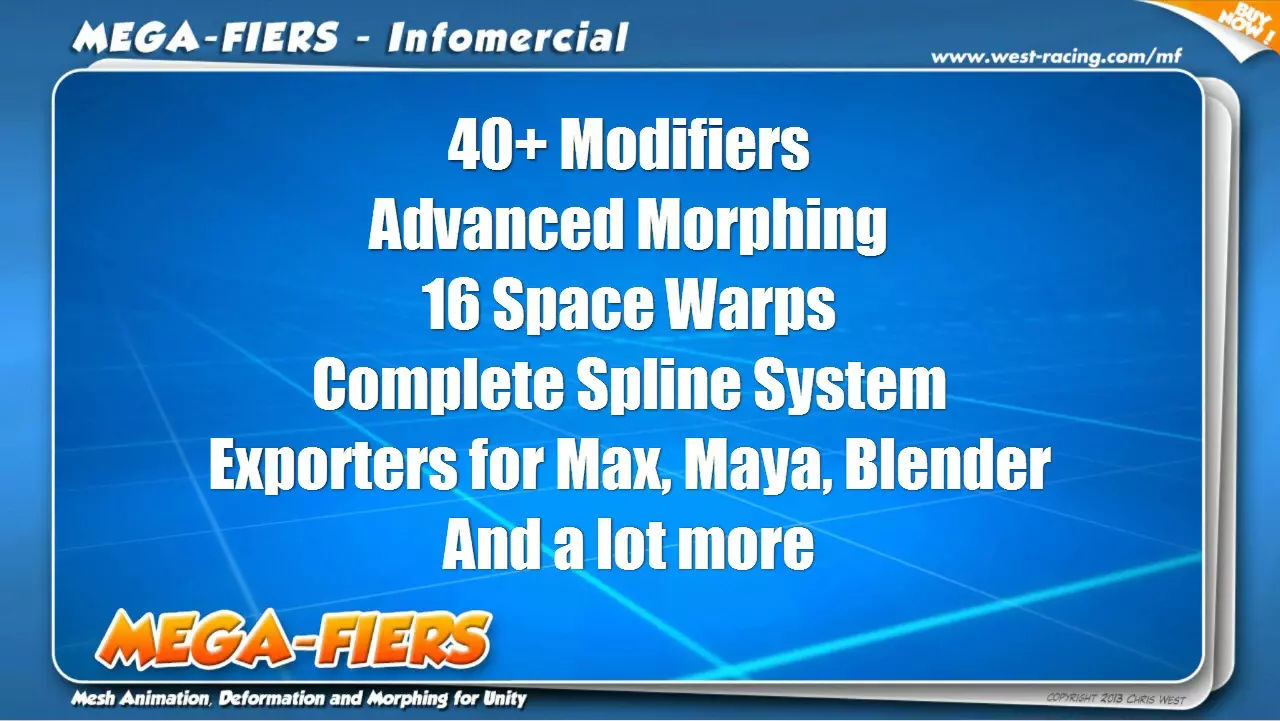
Mega-Fiers is a powerful mesh deformation and animation system for Unity, offering over 50 unique modifiers to transform and animate objects dynamically. Whether you need advanced morphing, physics-based rope simulations, or realistic deformations, Mega-Fiers provides the ultimate solution for Unity developers.
Mega-Fiers Bundles Available!
Check out the Mega-Fiers Bundle, Mega-Fiers Mini Bundle, and the Chris West Bundle for the best value packs.
Why Use Mega-Fiers in Your Unity Project?
1. Over 50 Advanced Modifiers
With Mega-Fiers, you get access to a wide range of mesh deformation tools, including:
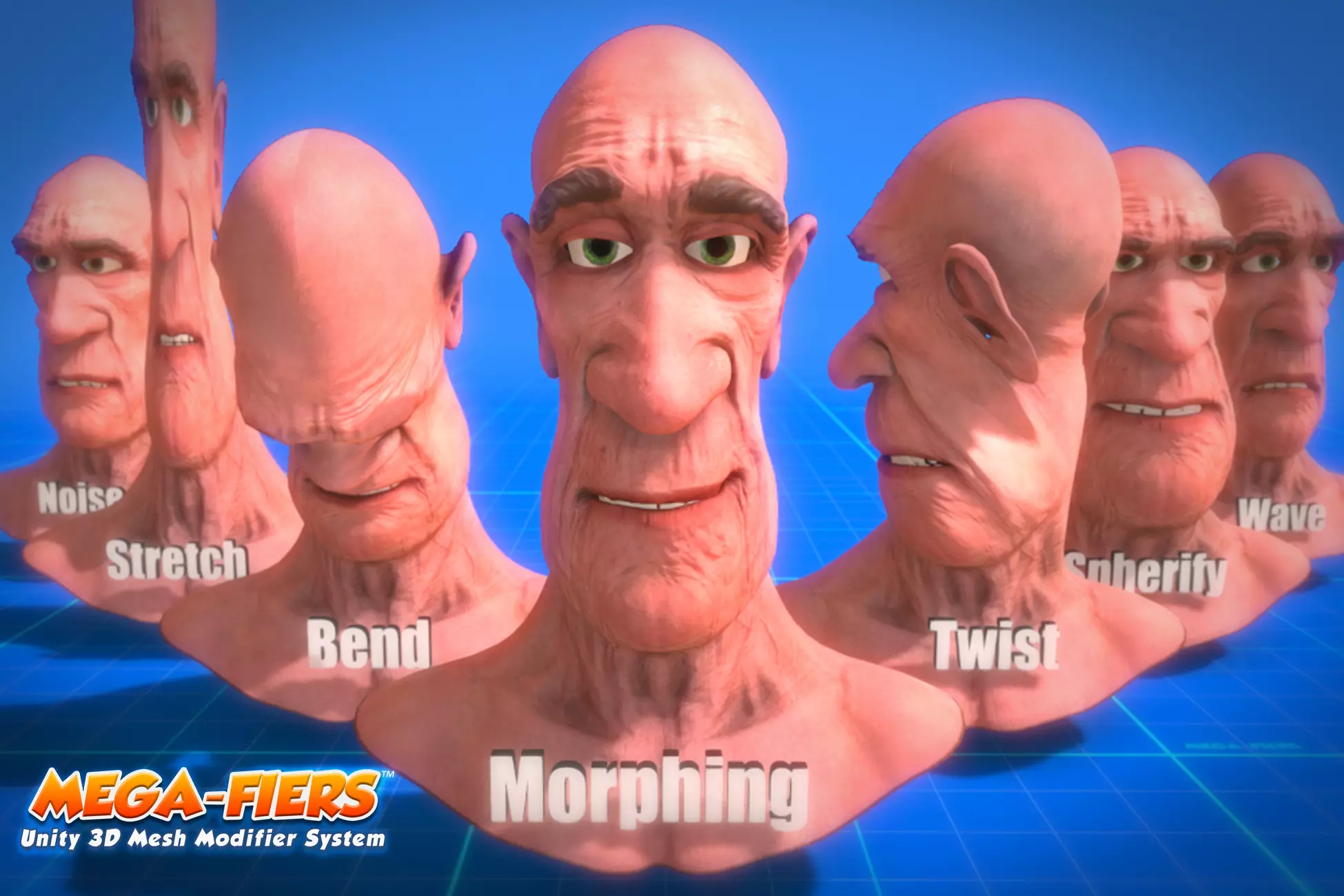
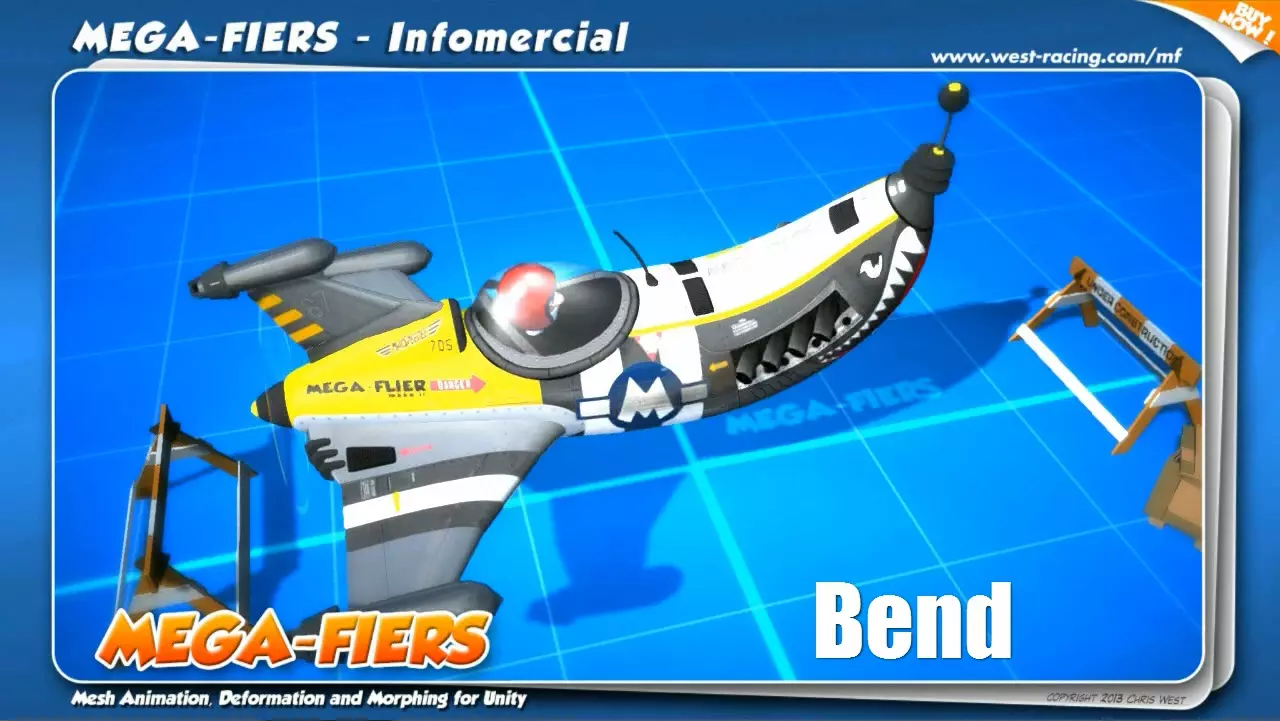
- Bend, Twist, Taper, Stretch effects
- FFD (Free-Form Deformation) support
- Wave, Ripple, Displace modifiers for dynamic movement
- Morphing tools for realistic facial expressions and object transitions
- Collision Deform, Hit Deform, Dynamic Ripple, Paint, Page Flip, and many more
2. Full Unity Integration
- Works with Unity 3.4 to 2023
- Compatible with URP, HDRP, and Built-in Rendering Pipelines
- Multi-threaded CPU acceleration for better performance
3. New Features in Mega-Fiers
- Supports Text Mesh Pro meshes
- OBJ sequence import for animations
- Advanced spline system for path following and mesh conversion
- Dynamic water ripple and floating object system
4. Physics-Based Animation
- Dynamic ropes and cables with real-time interactions
- Soft body physics for realistic object movement
- Wrap mesh system for applying clothing to deforming objects
Download Mega-Fiers for Free
You can download Mega-Fiers 2.6.3.unitypackage directly from geomedia.gala100.net. Our website provides a safe and fast download, ensuring you get the latest version hassle-free.
How to Install Mega-Fiers in Unity
- Download the Mega-Fiers 2.6.3.unitypackage file from our website.
- Open your Unity project and navigate to Assets > Import Package > Custom Package.
- Select the downloaded file and click Import.
- Start using Mega-Fiers by adding modifiers to your game objects!
Key Benefits of Mega-Fiers
? Enhance your game’s visual effects with stunning deformations ? Optimize performance with multi-threaded processing ? Easy-to-use interface with drag-and-drop functionality ? Compatible with all Unity platforms (PC, mobile, VR, AR)
Why Download Mega-Fiers from Geomedia.gala100.net?
? Fast and secure downloads ? No third-party ads or redirects ? Verified and tested Unity assets ? Regular updates and support
Final Thoughts
If you’re looking for a powerful mesh deformation system for Unity, Mega-Fiers is the perfect solution. Download it today from geomedia.gala100.net and take your game development to the next level!
⬇️ How to download
It's easy, but here's how it actually works:
- Pick your version from the list.
- Hit the Download button – you'll be taken to a file host.
- ⚠️ Important: disable your AdBlocker – otherwise the site might not work properly.
- If you're on a free or temporary plan, you'll see a 30‑second timer – just wait it out.
- After the timer ends, the real download button appears. Click it and get your file.
✅ No extra installers, no hidden registrations – just a short wait.
🙏 And hey – if you appreciate what we're doing, consider supporting us. This site runs on ads, nothing malicious, just honest help for the community. Every click helps keep the project alive.
💬 Community & Support
We sincerely appreciate everyone who supports our website and shows interest in our work.
Your comments and interaction on the site really help our project grow and reach more 3D artists around the world 🌍.
We also have a Telegram channel — where we share updates, exclusive content, and materials that are not available on the website.
If you're looking for something specific — especially assets for Unity Engine or large 3D model packs that haven't yet been published due to their size — you can leave your request there, and if the files are available, we'll provide a direct download link.
Thank you for being part of our community and helping us keep this creative space alive ❤️
🚀 Join Our Telegram Channel
Get early access to new 3D models, exclusive Unity assets, and behind-the-scenes content.
🔗 Join Telegram💡 Your activity helps us grow — every visit, comment, and share makes a real difference.
We're truly grateful for your support and curiosity 🙏