
All content on this website is provided solely for educational and demonstration purposes. Any software downloaded from this site is not intended for commercial use or broad distribution. You are solely responsible for ensuring compliance with all applicable license agreements and laws.
If you appreciate a particular program, we strongly encourage you to purchase the official version and support its developers. They invest significant time and effort into creating these tools and, unlike many others, cannot work for free — they need to earn a living. Consider leaving a comment, sharing, or otherwise supporting those who work hard for you.
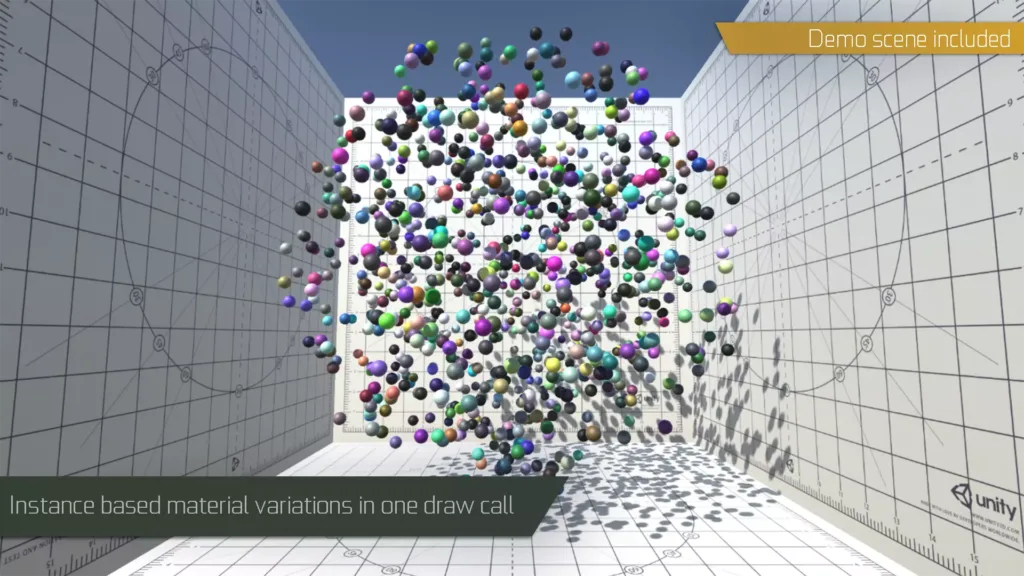
GPU Instancer is a Unity asset that allows displaying extreme numbers of objects on the screen with high performance.
What is the GPU Interlancer for Unity?
GPU Instancer 1.4.2 is an out of the box solution to display extreme numbers of objects on the screen with high performance.
With a few mouse clicks, you can instance your prefabs, Unity Terrain details, and trees.
Also, an API with extensive documentation is provided to manage runtime changes.
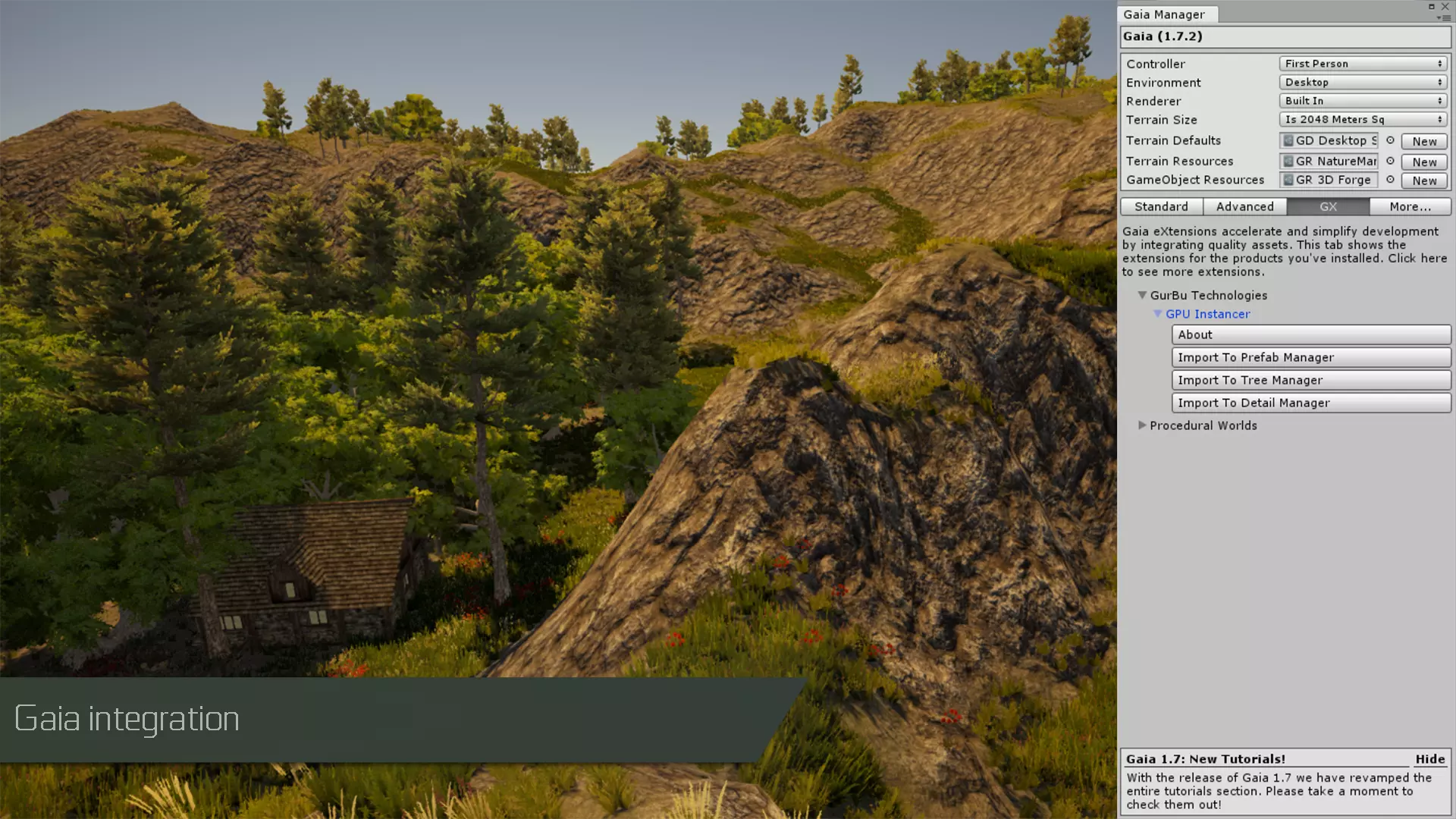
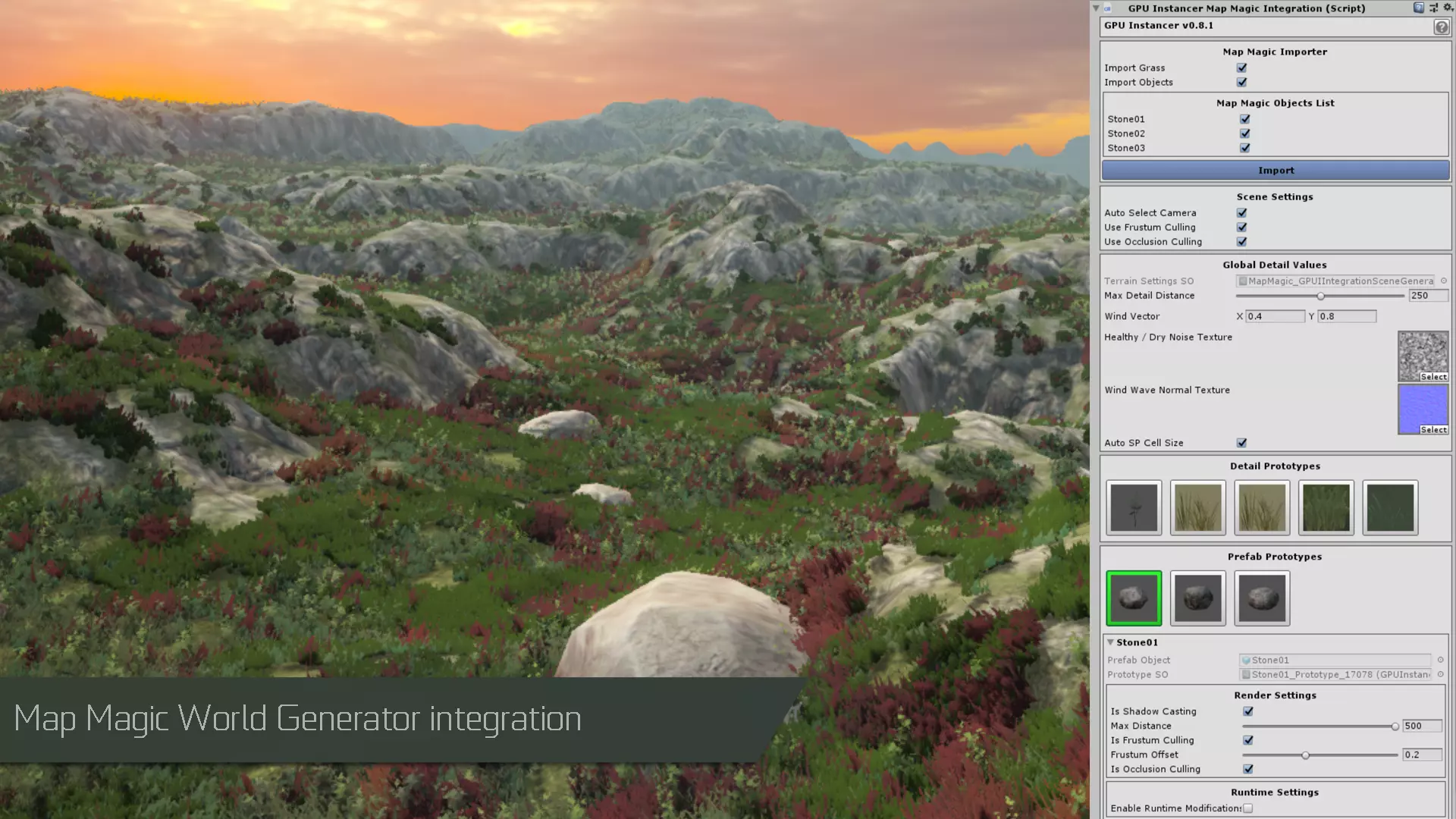
GPU Interlancer features
– Out of the box solution for complex GPU Instancing.
– VR compatible. Works with both single passes instanced and multi-pass rendering modes.
– Mobile compatible. Works with both iOS and Android.
– Easy to use interface.
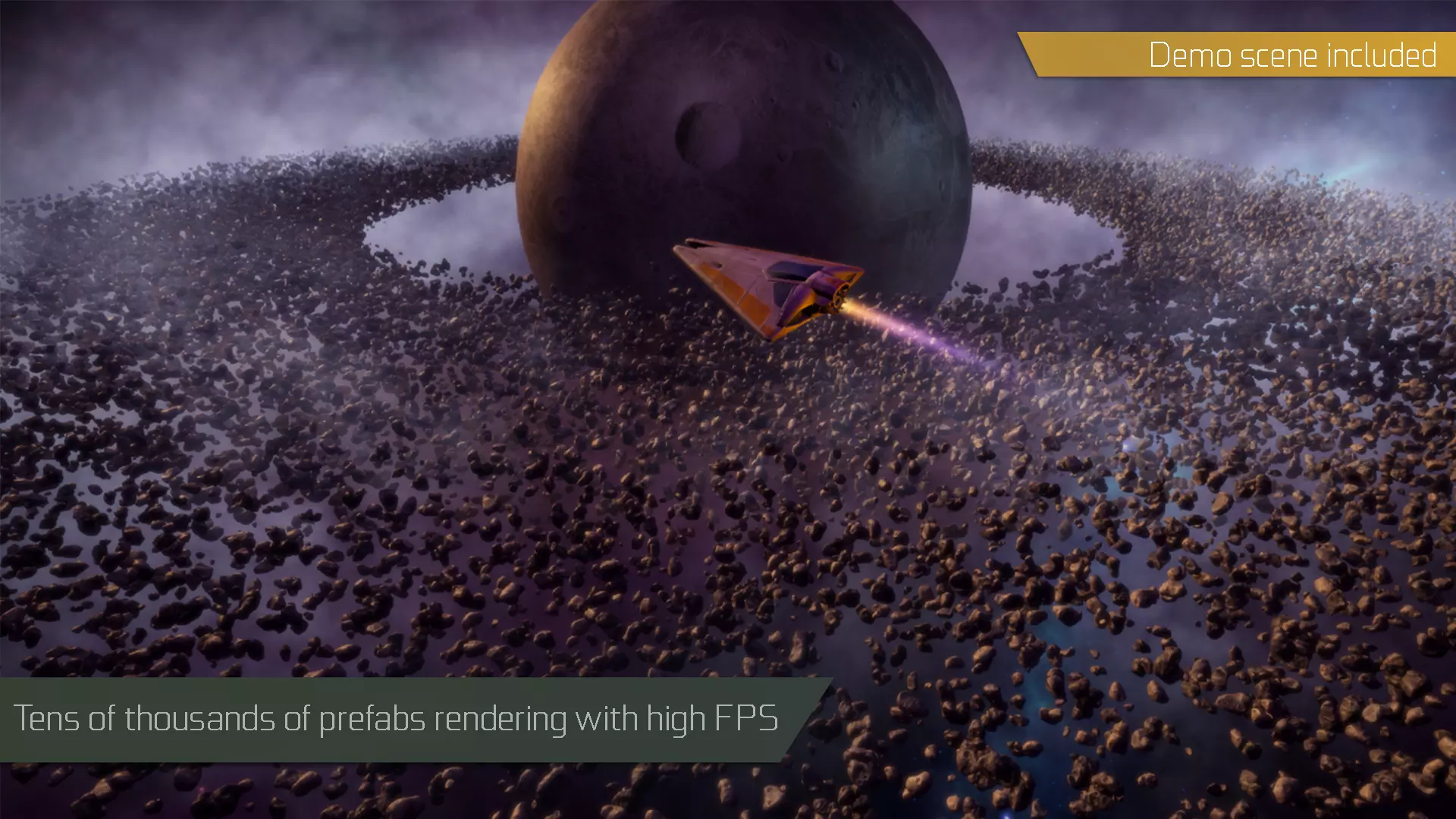
– Tens of thousands of objects rendered lightning fast in a single draw call.
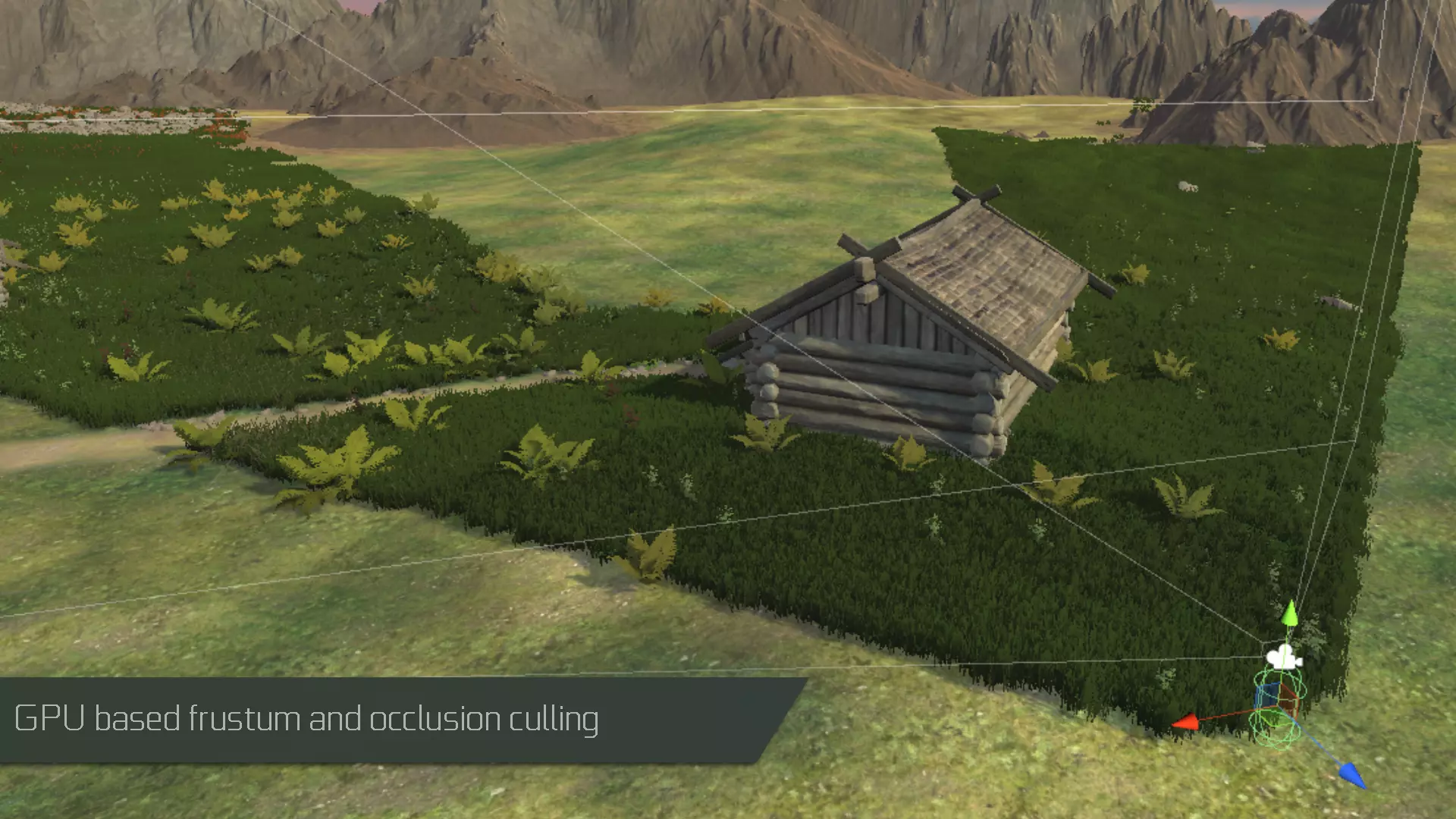
– GPU frustum culling.
– GPU occlusion culling (also supports VR platforms with both single pass and multi pass rendering modes).
– Automatically configured custom shader support.
– Supports Standard, Universal and HD Render Pipelines.
– Complex hierarchies of prefabs instanced with a single click.
– Multiple sub-meshes support.
– LOD Groups and cross-fading support. (Cross-fading is supported on Standard Render Pipeline and HDRP)
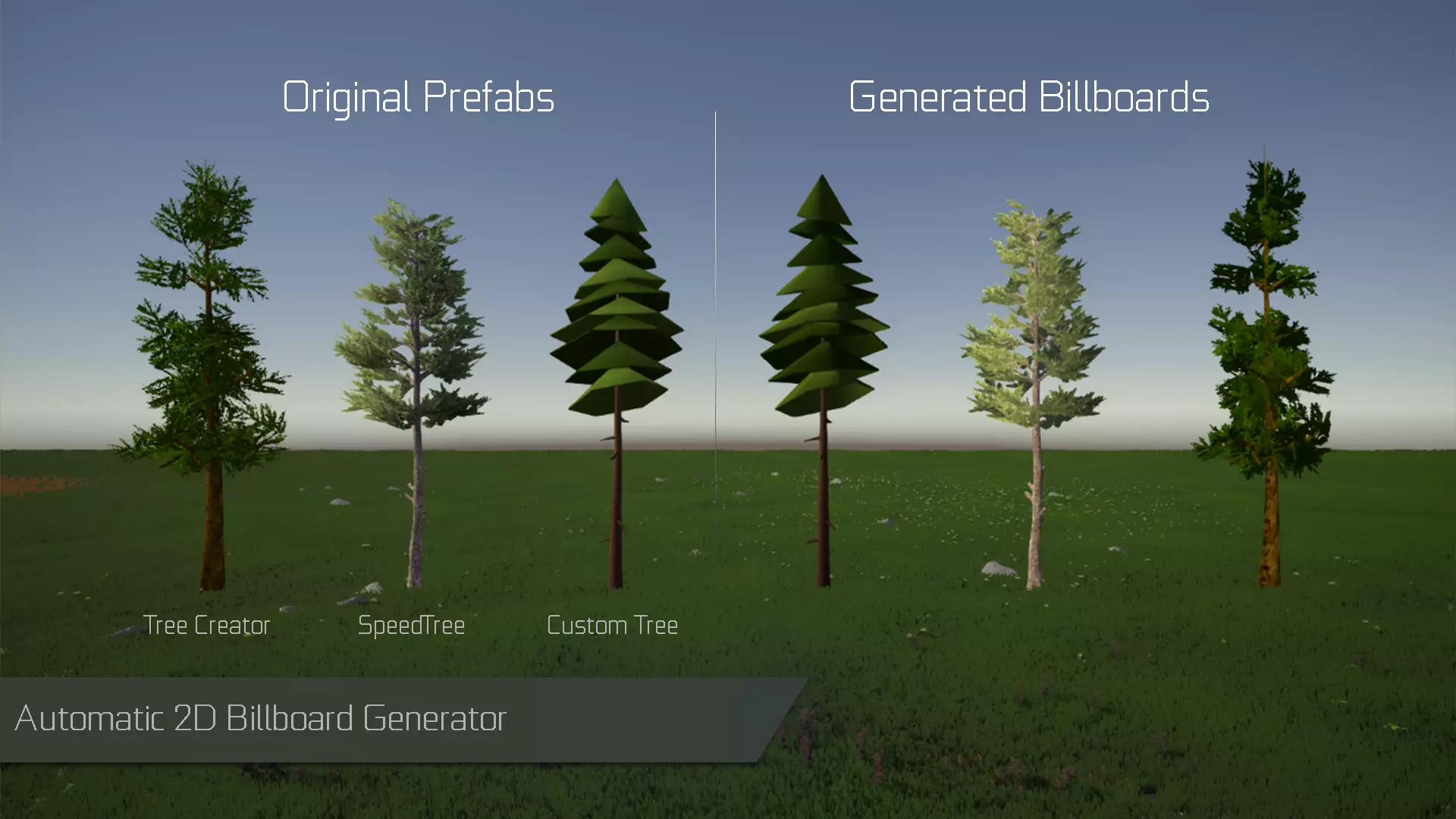
– Automatic 2D Billboard generation system (Standard RP only).
– Shadows casting and receiving support for instances (frustum culled instances still can cast shadows).
– Ability to use custom shadow distance per prototype and to choose the LOD to render shadows with.
– Support for Floating Origin handling.
– Multiple camera support.
– Well documented API for procedural scenes and runtime modifications (examples included).
– Ability to Remove instances inside bounds or colliders at runtime.
– Ability to extend with custom Compute Shaders.
– Example scenes that showcase GPU Instancer capabilities.
Prefab Instancing Features:
– Ability to automatically instance prefabs at your scene that you distribute with your favorite prefab painting tool.
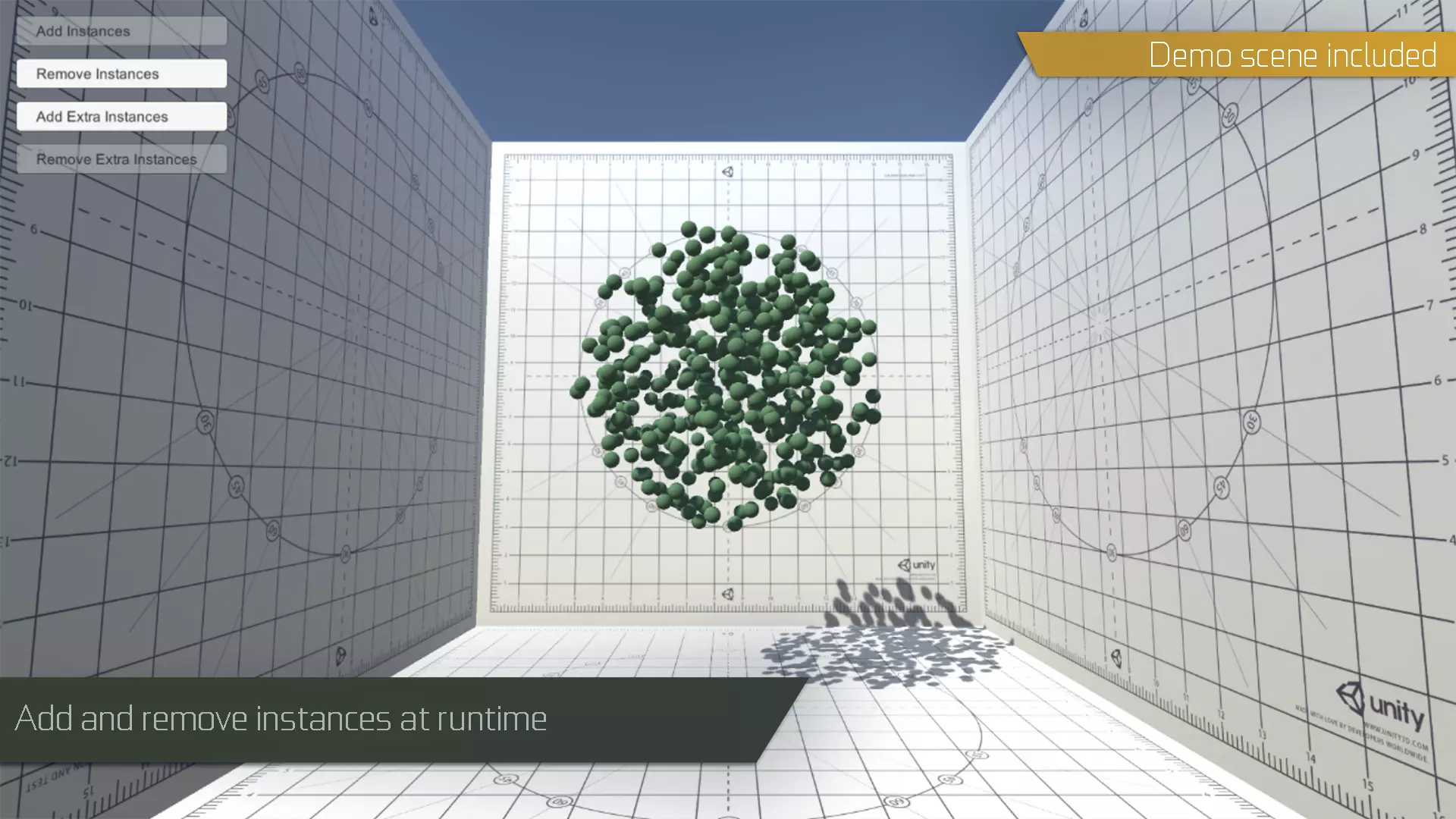
– Automatically Add-Remove prefab instances without any additional code.
– Automatic detection and updating of transform position, rotation and scale changes.
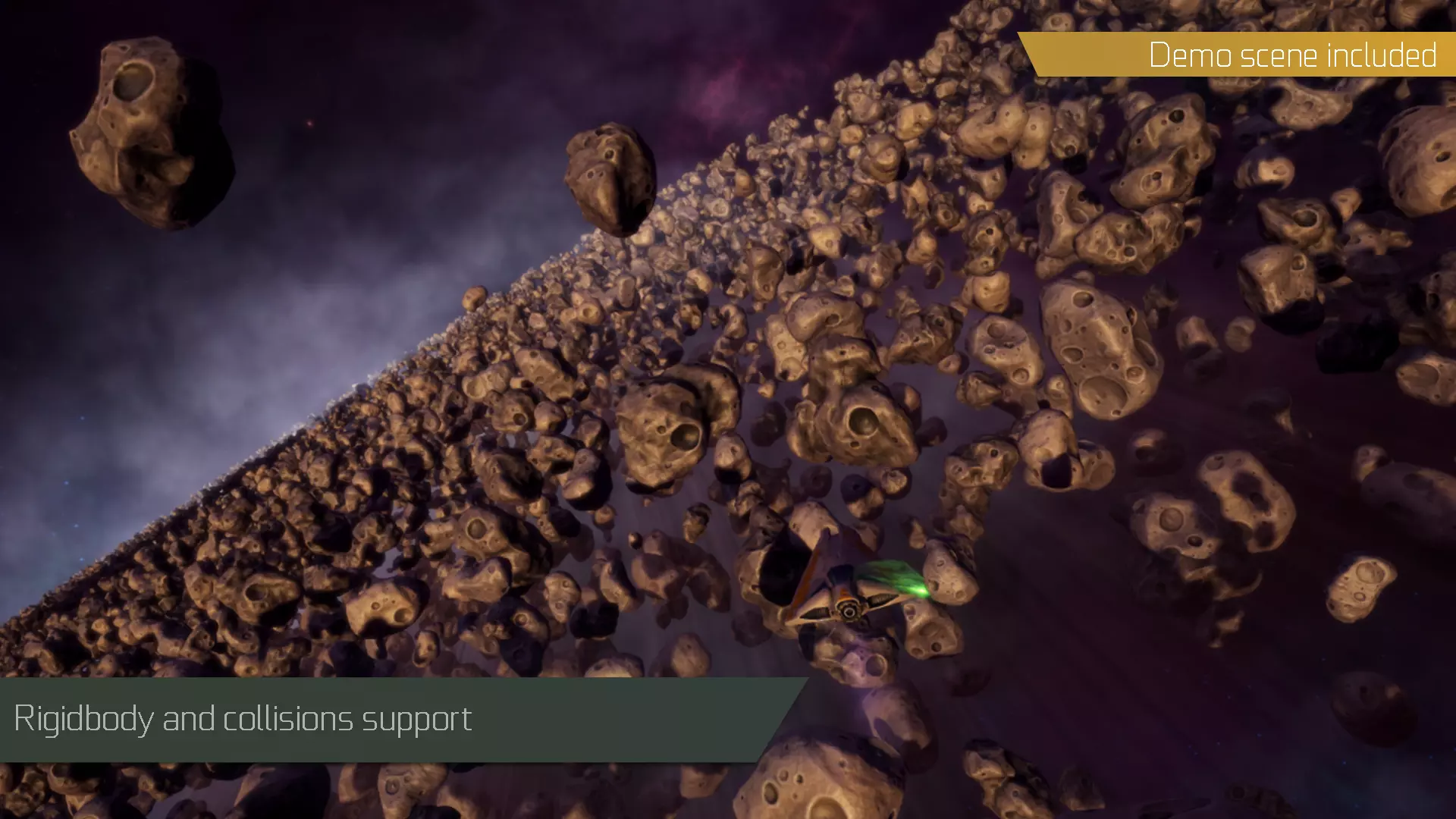
– Full or area localized rigid body and physics support.
– Nested Prefabs support (Unity 2018.3 and later).
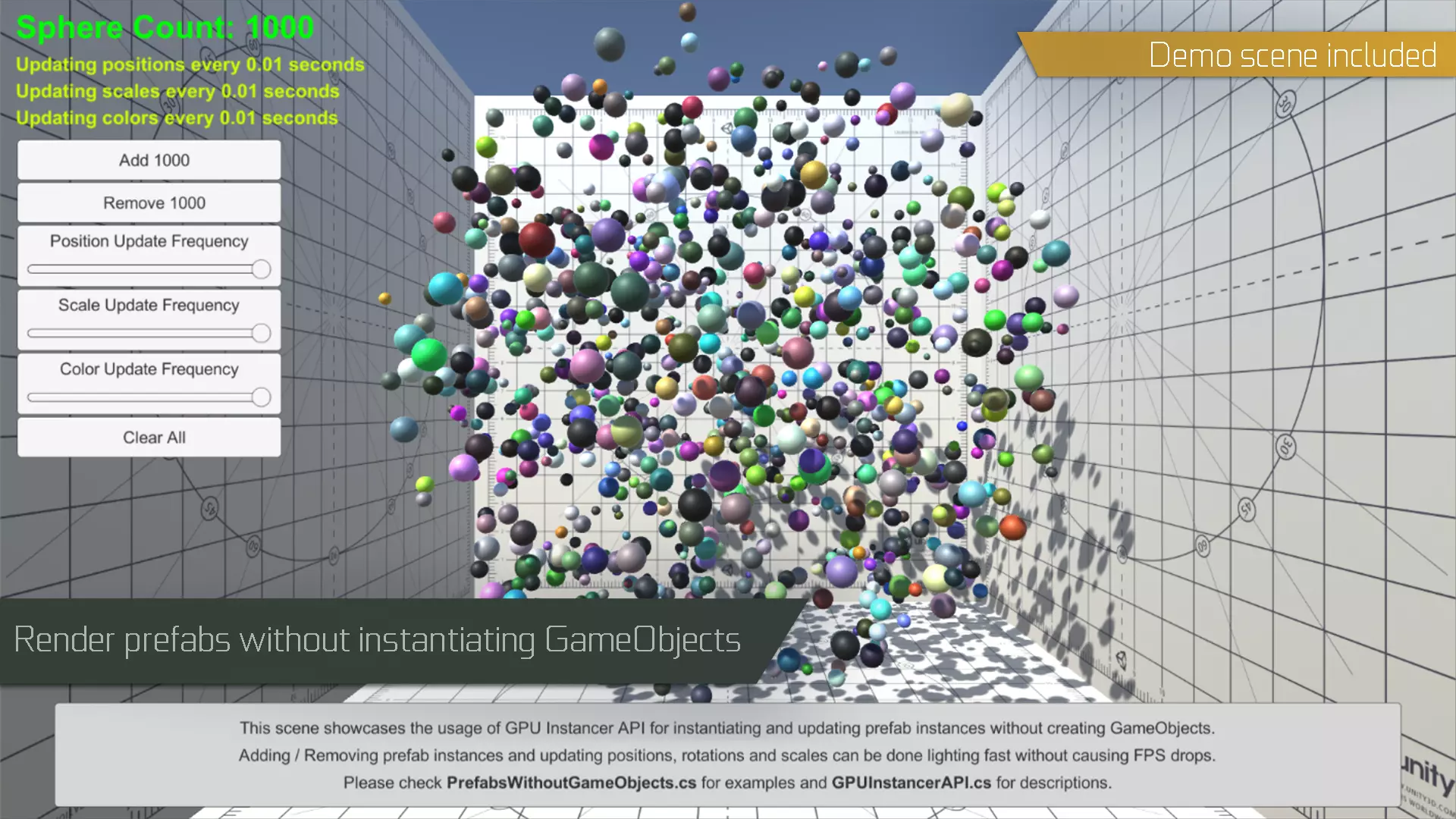
– Add-Remove-Update prefab instances with or without instantiating GameObjects (examples included).
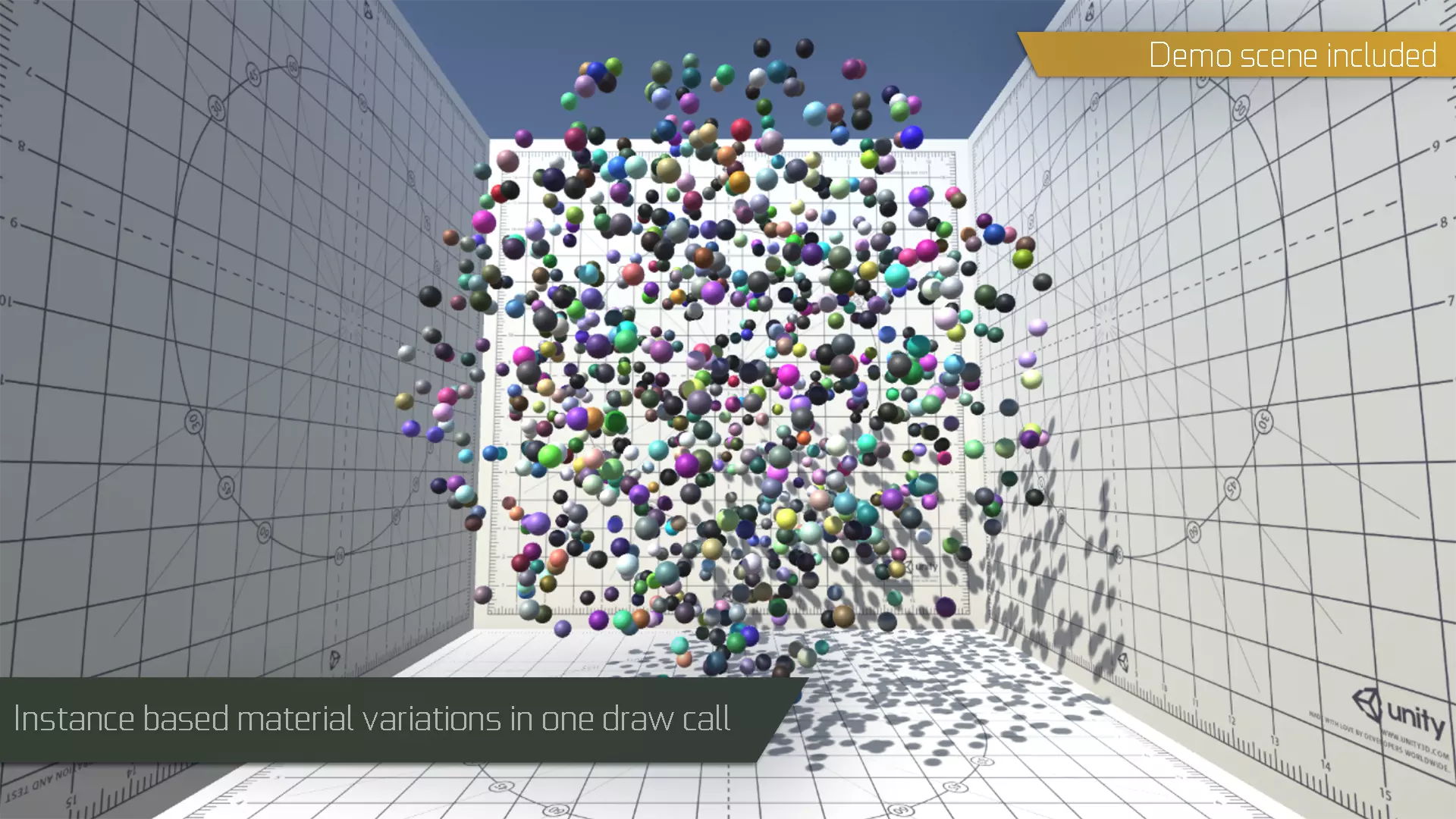
– Instance based material variations through API (Not supported on Android because of buffer limitations)
– Enabling and disabling instancing at runtime per instance basis.
– API to manage instanced prefabs at runtime.
– Includes mobile demo scene with custom controllers.
Detail Instancing Features:
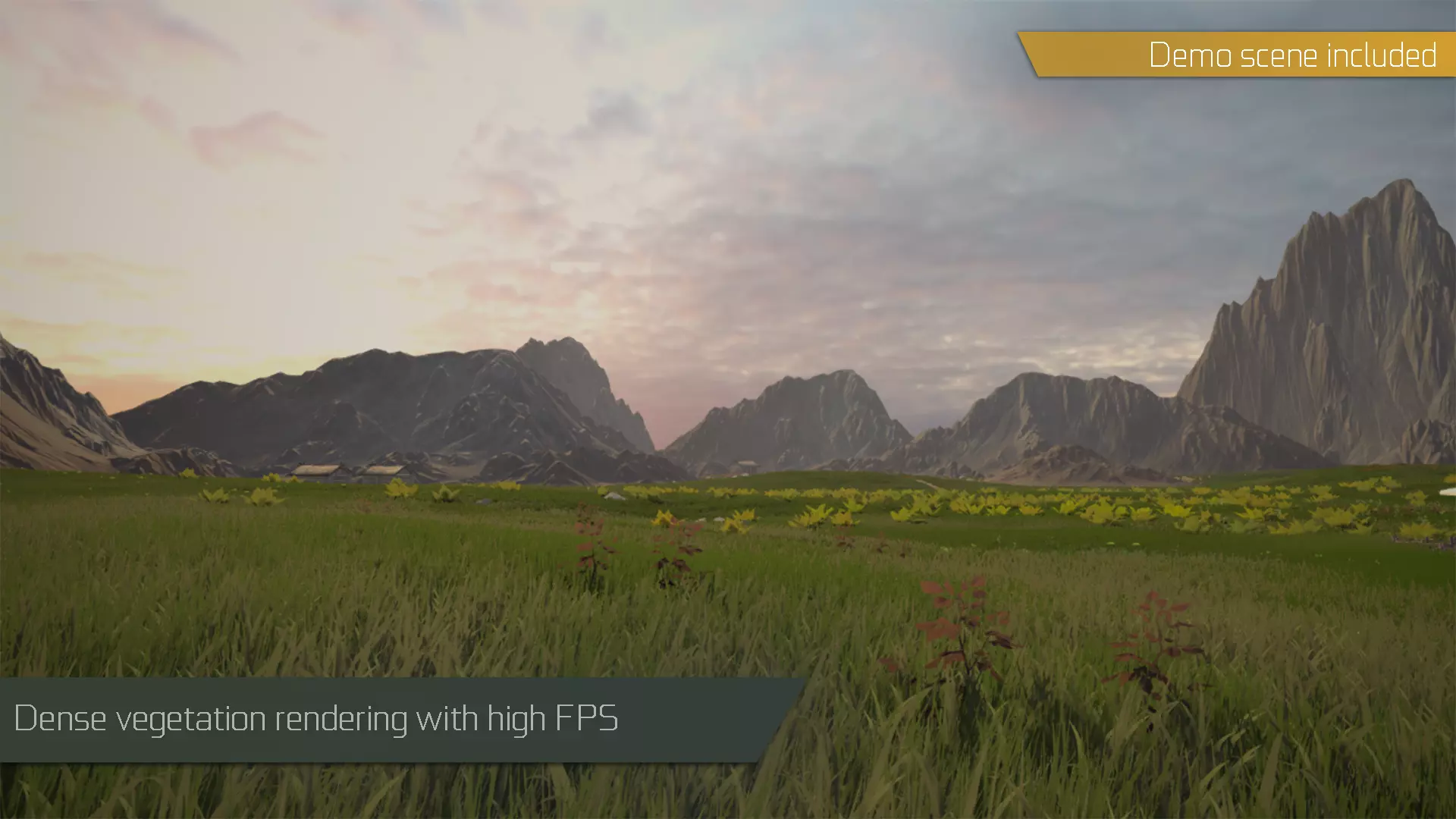
– Dense grass fields and vegetation with very high frame rates.
– Included vegetation shader with wind, shadows, AO, billboarding and various other properties.
– Support for custom shaders and materials.
– Cross quadding support: automatically turns grass textures to crossed quads.
– Ability to paint prefabs with custom materials on Unity terrain (with Unity terrain tools).
– Ability to use prefabs with LOD Groups on Unity terrain.
– Further performance improvements with automatic spatial partitioning.
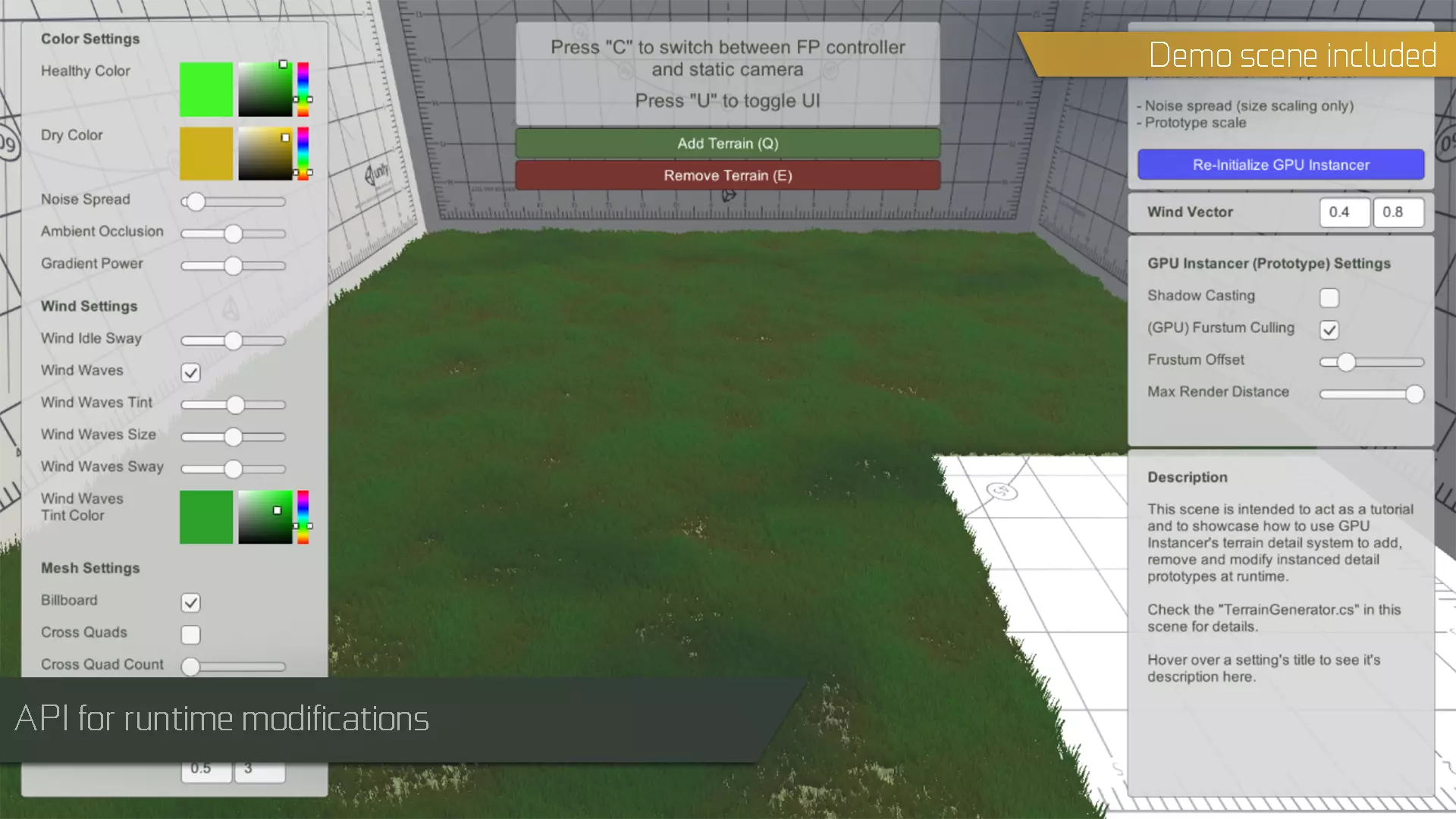
– API to manage instanced terrain detail prototypes at runtime (examples included).
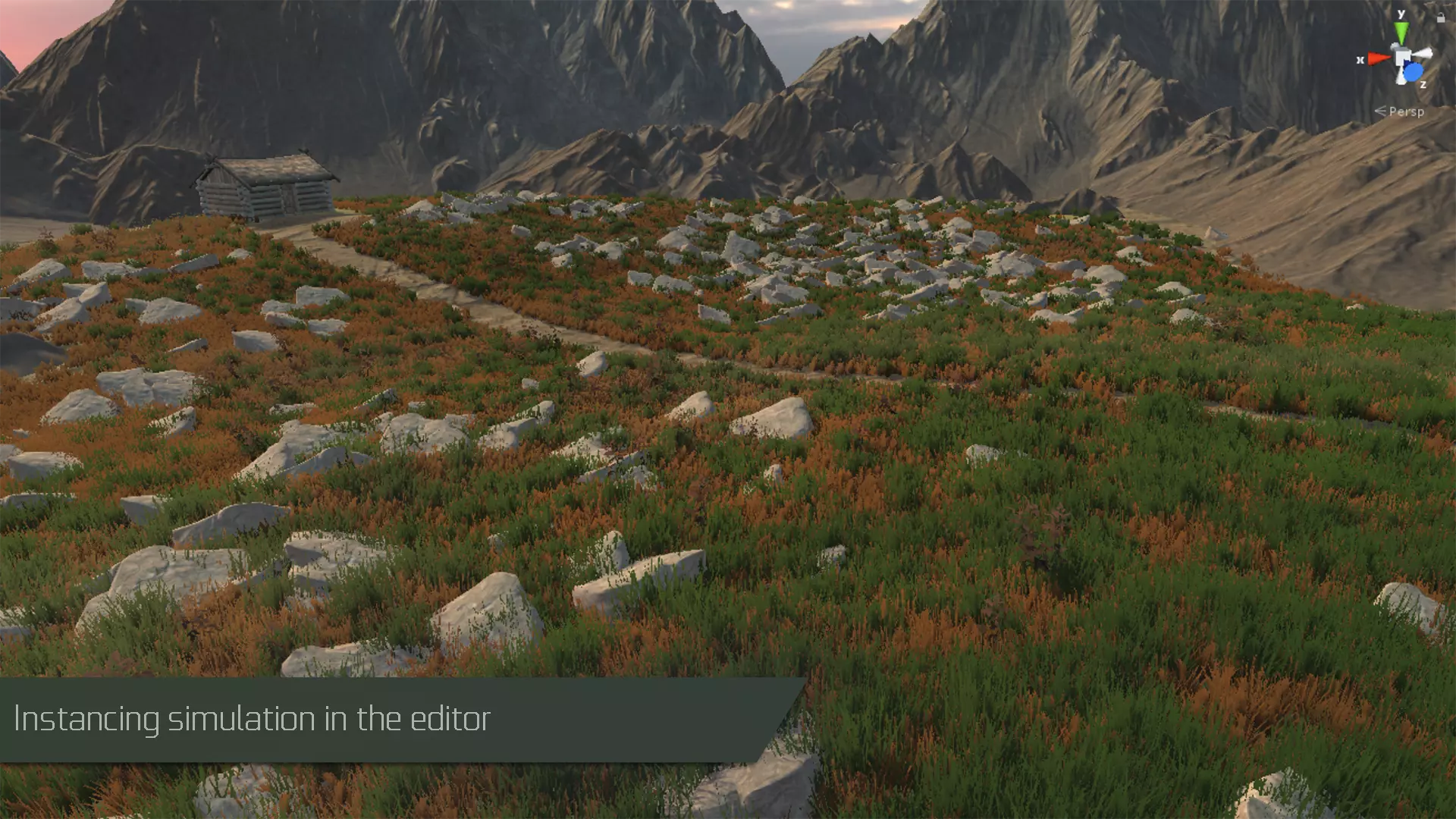
– Editor GPU Instancing simulation.
Tree Instancing Features:
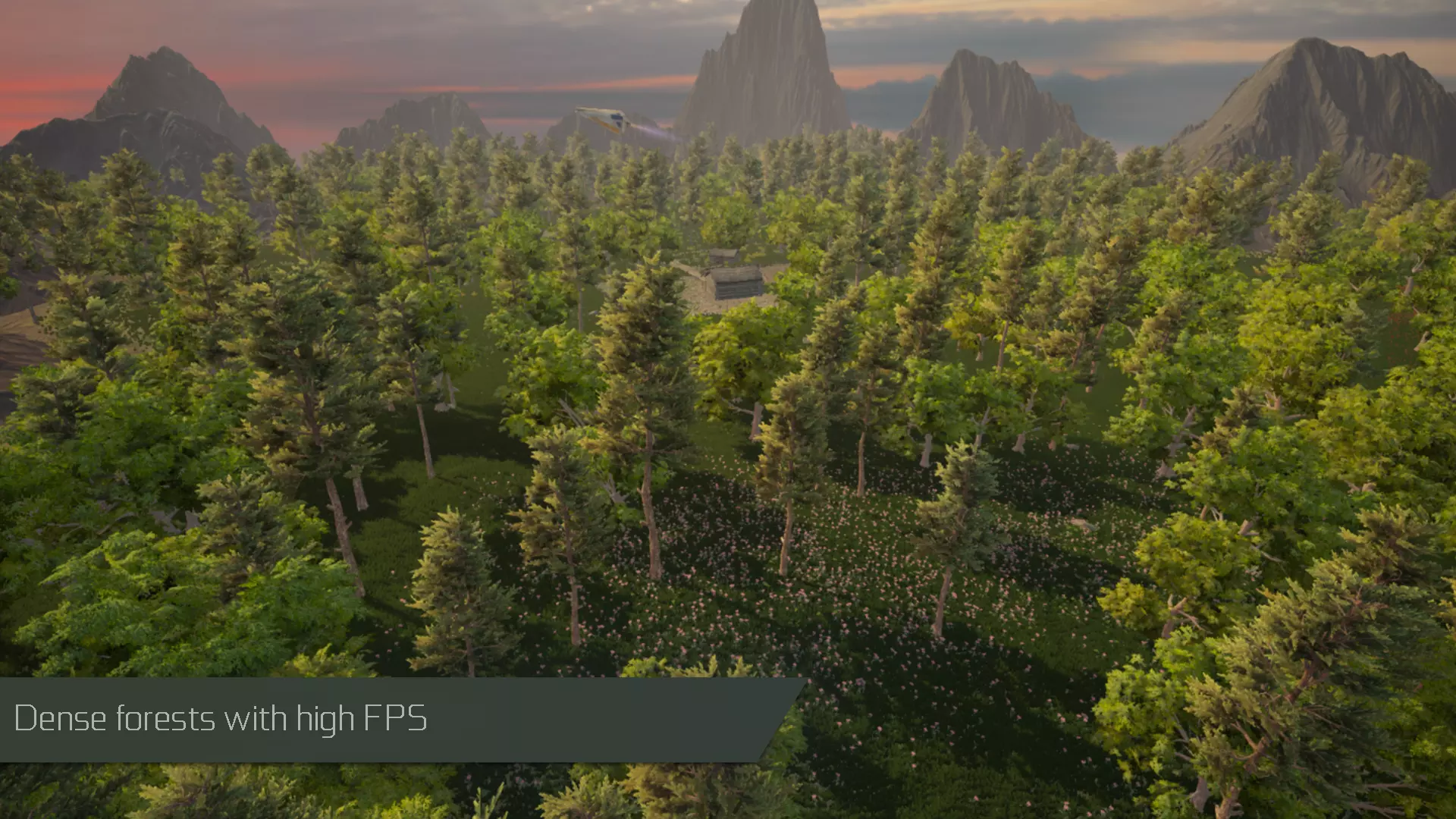
– Dense forests with very high frame rates.
– SpeedTree support with wind animations.
– SpeedTree 8 support with wind animations.
– Tree Creator support with wind animations.
– Support for Soft Occlusion Trees.
– Included billboard baker and renderers.
Extension Packs:
– Crowd Animations: Provides workflows for GPU Instancer to be used with animated crowds.
Third-Party Integrations:
– MapMagic and MapMagic 2 integration.
Requirements:
– DirectX 11 or DirectX 12 and Shader Model 5.0 GPU (Windows, Windows Store)
– Metal (macOS, iOS)
– OpenGL Core 4.3 (Windows, Linux)
– Vulkan (Android, Windows, Linux)
– OpenGL ES 3.1 (Android 8.0 Oreo or later)
– Modern Consoles (PS4, PS5, Xbox One)
Note: Oculus Quest (any version) is NOT supported
To provide the fastest possible performance, GPU Instancer utilizes Indirect GPU Instancing using Unity’s DrawMeshInstancedIndirect method and Compute Shaders.
GPU Instancing results in magnitudes of performance improvement over static batching and mesh combining.
⬇️ How to download
It's easy, but here's how it actually works:
- Pick your version from the list.
- Hit the Download button – you'll be taken to a file host.
- ⚠️ Important: disable your AdBlocker – otherwise the site might not work properly.
- If you're on a free or temporary plan, you'll see a 30‑second timer – just wait it out.
- After the timer ends, the real download button appears. Click it and get your file.
✅ No extra installers, no hidden registrations – just a short wait.
🙏 And hey – if you appreciate what we're doing, consider supporting us. This site runs on ads, nothing malicious, just honest help for the community. Every click helps keep the project alive.
💬 Community & Support
We sincerely appreciate everyone who supports our website and shows interest in our work.
Your comments and interaction on the site really help our project grow and reach more 3D artists around the world 🌍.
We also have a Telegram channel — where we share updates, exclusive content, and materials that are not available on the website.
If you're looking for something specific — especially assets for Unity Engine or large 3D model packs that haven't yet been published due to their size — you can leave your request there, and if the files are available, we'll provide a direct download link.
Thank you for being part of our community and helping us keep this creative space alive ❤️
🚀 Join Our Telegram Channel
Get early access to new 3D models, exclusive Unity assets, and behind-the-scenes content.
🔗 Join Telegram💡 Your activity helps us grow — every visit, comment, and share makes a real difference.
We're truly grateful for your support and curiosity 🙏